How to buy Midwinter Event tickets on Humanitix
Humanitix is currently used by ACT, Tasmania and Queensland
1. Start at our Midwinter Portal, choose your event.
2. Look for the Bookings button and click. You will arrive at the Humanitix booking page.
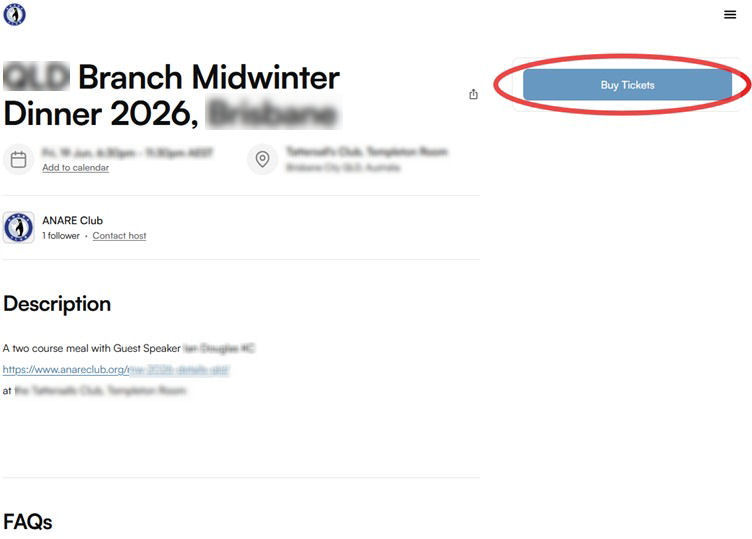
3. Click on the Buy Tickets button.
SHOW ME
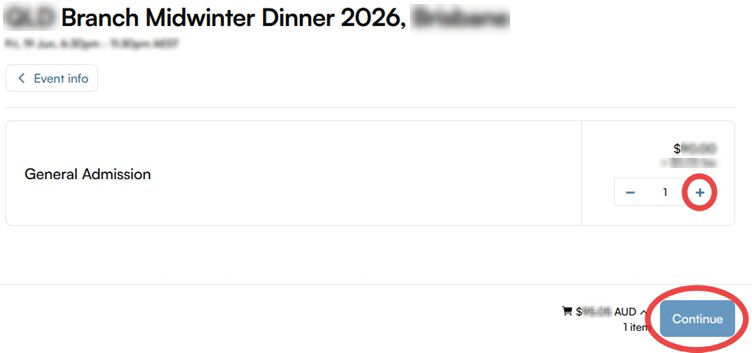
4. Select the number of tickets, then click Continue.
SHOW ME
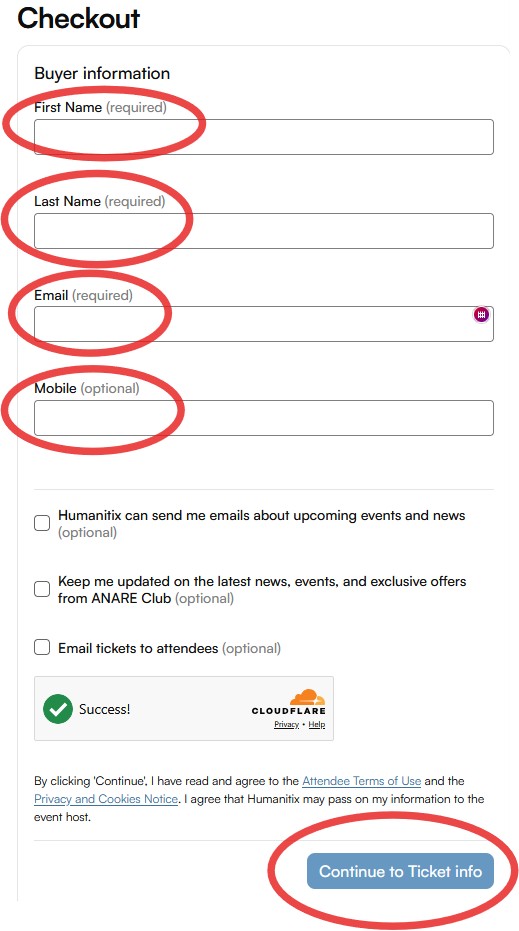
5. Fill in your name, email and mobile information, then click Continue to Ticket info.
SHOW ME
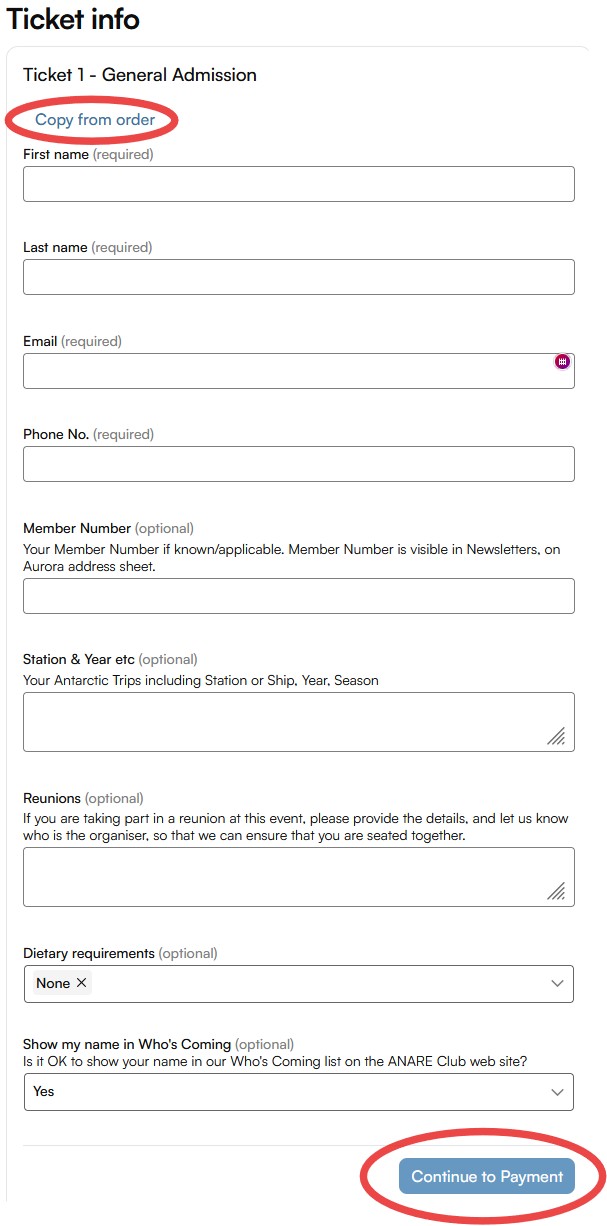
6. On the Ticket info page, look for the very helpful “Copy from order” link near the top of the page, to save yourself some typing! Then provide as much information as possible to help the organisers to make your event a success. When complete, click Continue to Payment
SHOW ME
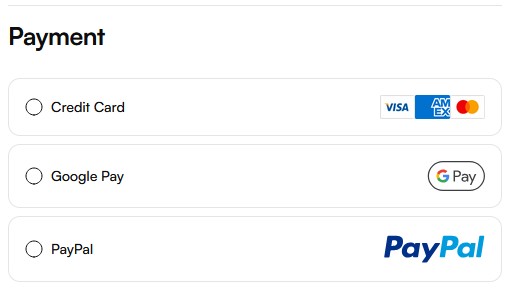
7. You will be shown a choice of payment options … over to you!
SHOW ME